


It has been a busy and productive first half of term for our Year 5 computing experts as they master the art of digital publishing using Book Creator on the class sets of iPads.
Designing for a Purpose
The students began their journey by working in collaborative teams to design ebooks with a specific audience in mind. Their first major project involved creating E-Safety SMART Rules books, thoughtfully designed to help our younger pupils navigate the digital world safely and responsibly.

Bringing Objects to Life
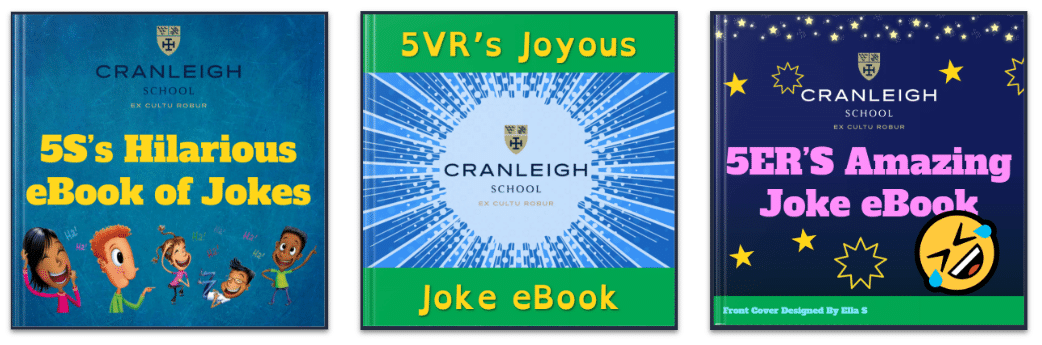
More recently, the year group has shifted gears to something a bit more light-hearted: The Year 5 Joke eBook! To make these books extra special, the children used the ChatterKids app to animate everyday classroom objects. By recording their voices to “bring the objects to life,” they turned water bottles, chairs, and pencil cases into the stars of the show.
Click the links below to enjoy the laughs from each tutor group:

Digital Safety & Sharing
A key focus of this project was digital privacy. The pupils learned why we avoid using images of ourselves or others when publishing content online. They also explored the power of AirDrop to share work between devices efficiently. Importantly, we discussed “digital boundaries” — learning to keep AirDrop disabled when not in use, especially when using personal devices in public places. See below for some helpful tips that parents can share with their children.


